ModalApi
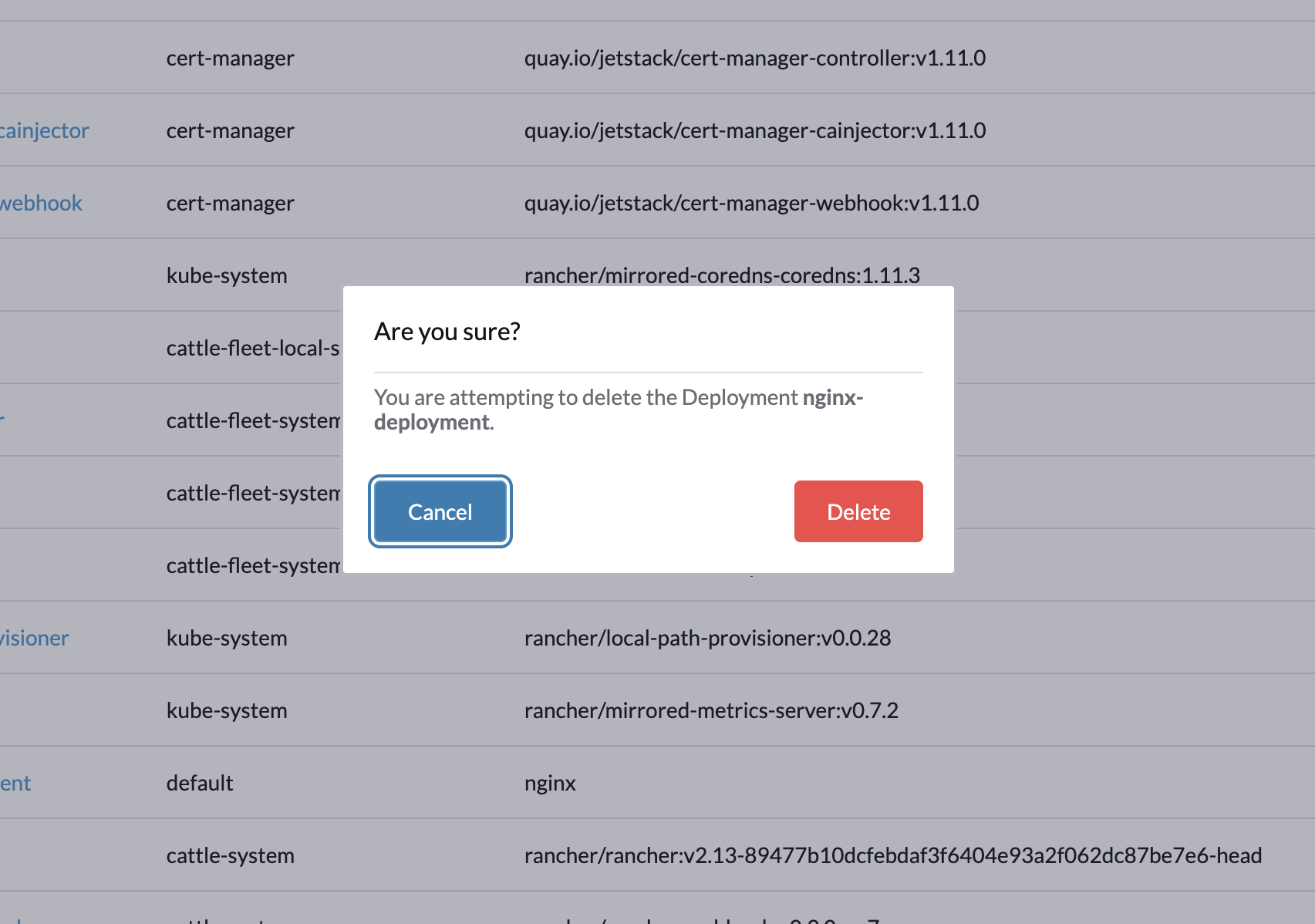
API for displaying modals in Rancher UI. Here's what a Modal looks like in Rancher UI:
Methods
open()
open(component, config?): void;
Opens a modal dialog in Rancher UI
Example:
import { useShell } from '@shell/apis';
import MyCustomModal from '@/components/MyCustomModal.vue';

const shell = useShell();

shell.modal.open(MyCustomModal, {
  props: { title: 'Hello Modal' }
});
Parameters
component
Component
The Vue component to be displayed inside the modal.
This can be any SFC (Single-File Component) imported and passed in as a Component.
From Rancher 2.16 and onwards, a component that declares a modal prop renders its own
RcModal instead of being wrapped in the default modal. It receives modal as
{ show, onClose } to spread onto RcModal, and width and closeOnClickOutside do not
apply to it. An older Rancher wraps the component and passes it no modal prop.
Example:
<script setup lang="ts">
import { RcModal } from '@components/RcModal';

defineProps<{ modal: { show: boolean; onClose: () => void }; title: string }>();
</script>

<template>
  <RcModal v-bind="modal" :title="title">
    <p>Hello Modal</p>
  </RcModal>
</template>
config?
Modal configuration object
Returns
void