Localization
The display name for your provider is handled automatically by Rancher's localization system.
-
In your
provisioner.ts, ensure theidproperty is set to your provider's unique identifier (e.g.,ali). -
Create a translation file
l10n/en-us.yamlin your extension package. -
Add a key
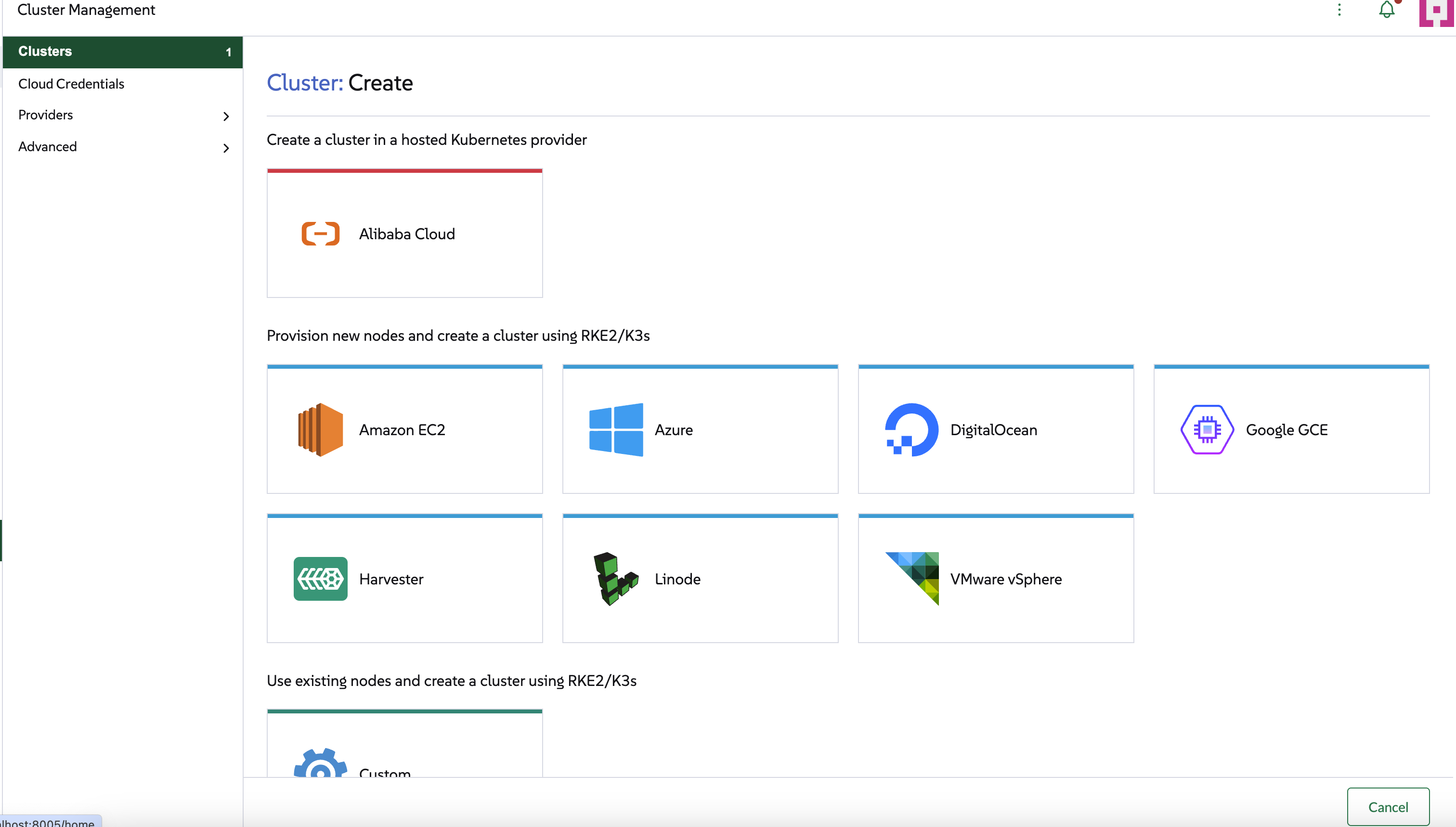
cluster.provider.<your-provider-id>with the desired display name. This is the key Rancher checks for when displaying providers cards inside the cluster creation wizard.
For the ali provider, the l10n/en-us.yaml file would contain:
cluster:
  provider:
    ali: Alibaba Cloud
Rancher will then automatically display "Alibaba Cloud" in the cluster creation wizard.
Read more about translations here